Prerequisites
You need a Box organisation, a licence key, Node.js 22 or later, Docker, and a PostgreSQL database you can discard after evaluation.
Safe by default
A fresh deployment starts with payment, mail, banking, and delivery ports unbound. Nothing external happens until you bind an adapter.
Create and install
box create acme-commerce
cd acme-commerce
box auth --org $BOX_ORG --key $BOX_KEY
box install
Authentication binds the organisation and licence. Installation resolves the package manifest once and downloads only the capabilities included in that licence.
→ resolving manifest       foundation@2026.9.1
→ pulling from registry    30 packages
→ running migrations       41 applied, 0 pending
✓ installed                30 packages · tier basic
Run locally
box start acme-commerce 4000 3010engine http://localhost:4000
console http://localhost:3010
payments port unbound
mailer port unbound
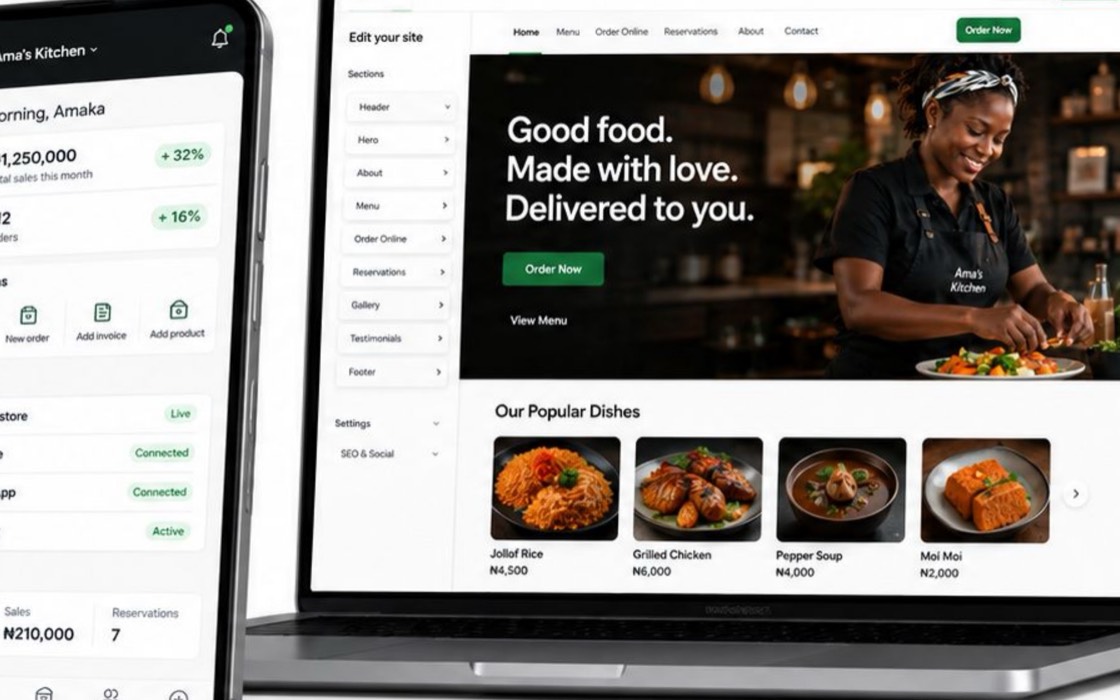
banking port unboundThe engine and Merchant Console are now using the same local commerce records. Open the console, create a product, and confirm it appears through the API.
Complete a safe transaction
box adapters bind payment test
box seed merchant --name "Acme Market"
box test checkout --amount 2500 --currency NGN
The test adapter records the complete payment and order path without contacting an external rail. Inspect the order before moving to a real integration.